Registering a server
Hosting a BlackICE server works without any account or registration. It is important to us to clarify that.
You can at any point in time specify sv_lan true, start your server and connect <ip> to it. From LAN, through
services like Tailscale, exposed to the internet or however else.
Why do it then?
Registering your server in the management panel gives you multiple advantages:
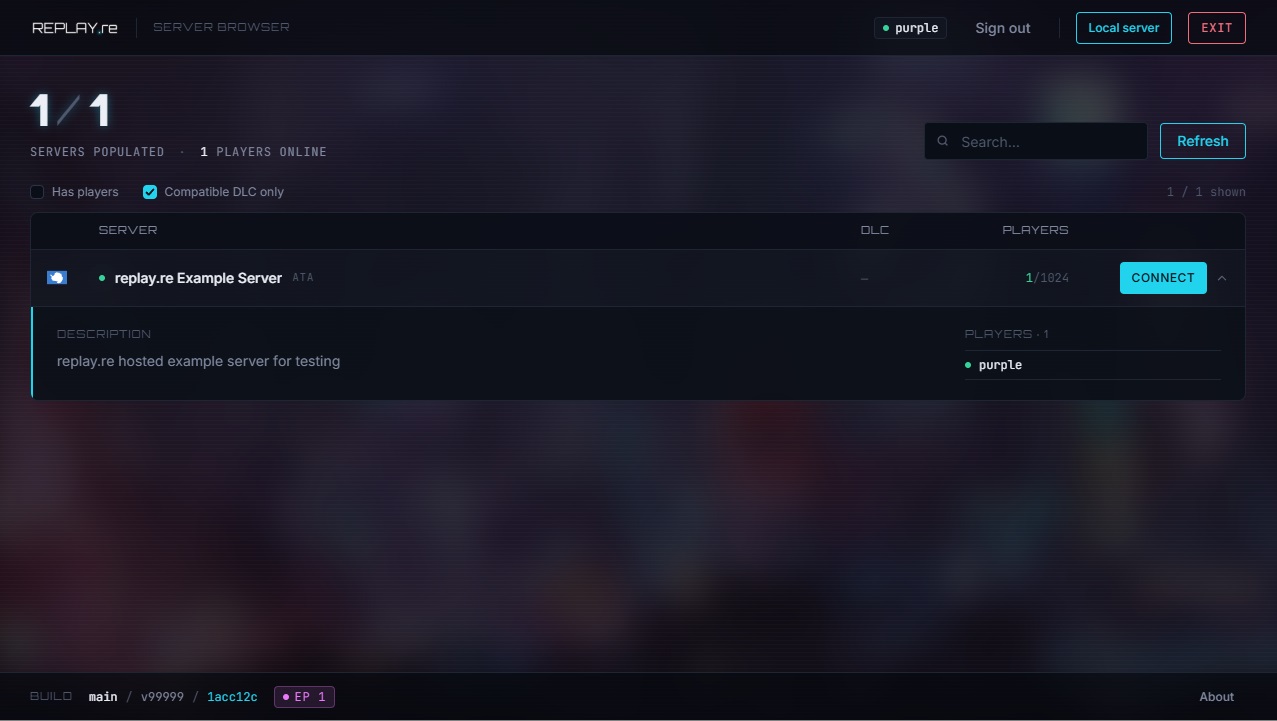
- Your server can be discovered in the global server list in the main menu of each client
- Only clients logged in to their replay account can connect to your server
- Clients will have a stable identifier which you can use to allow-list or ban individual users
Another important feature for server networks that expect abusive behaviour is the obfuscation of the server endpoint.
The server list will hand out whatever endpoint you have specified in sv_endpoint.
If you point this to an SRV record with multiple entries or a DNS round-robin entry, you can route all your traffic
balanced through one or multiple reverse proxies, without ever revealing your real server endpoint.
How to get a key
1. Log into the management panel
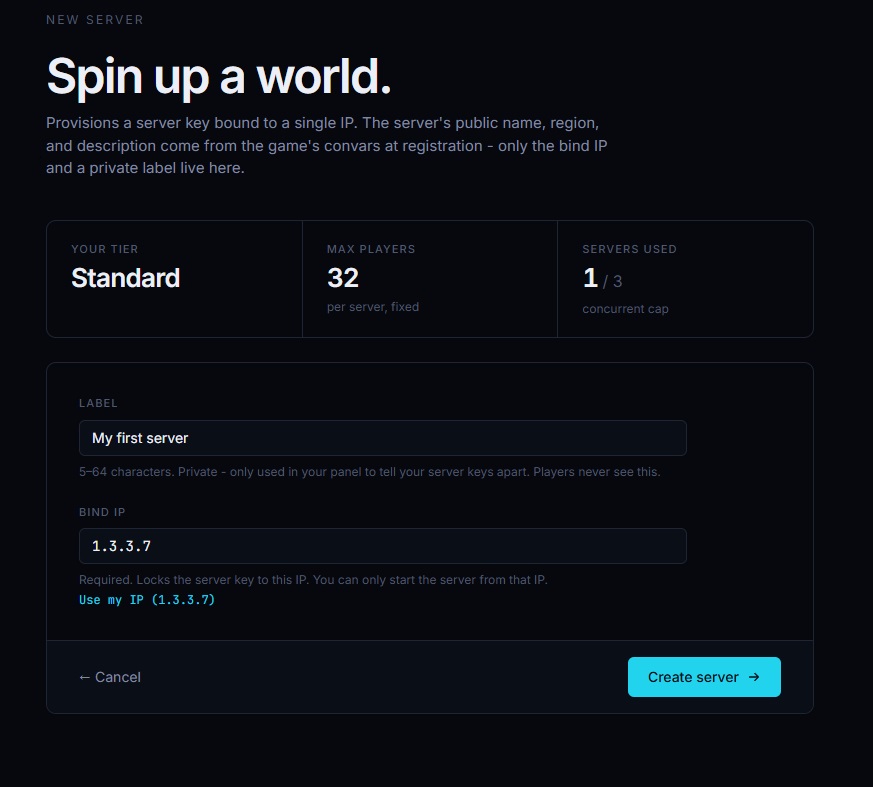
2. Create a new server with a descriptive label
You need to specify which IP the server will be hosted on. Click "Use my IP" for a convenient setup
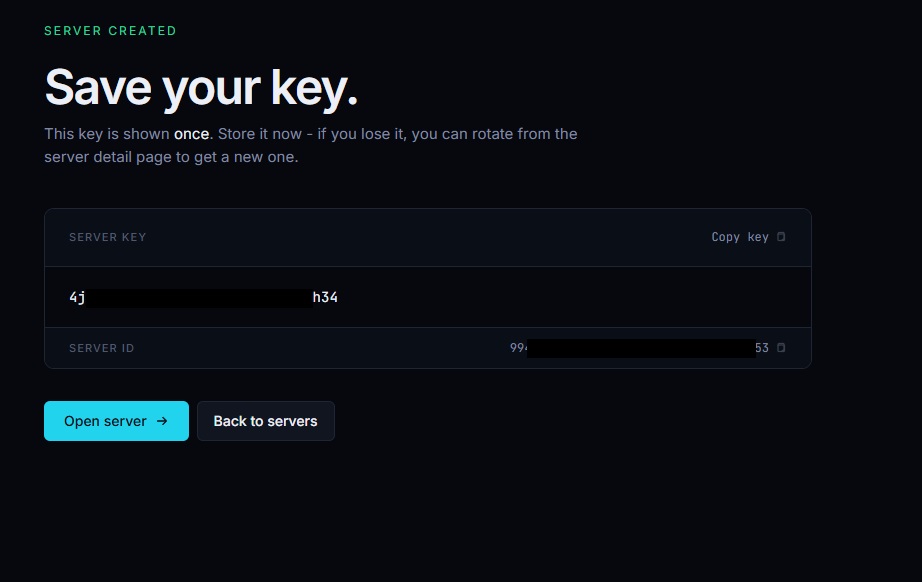
3. Copy your key
The key that is provided to you needs to be entered into sv_server_key in your server/cfg. (see Quick Start)
Info
During alpha, you also need to set sv_endpoint to the same IP as you registered the server on.
This will be changed later
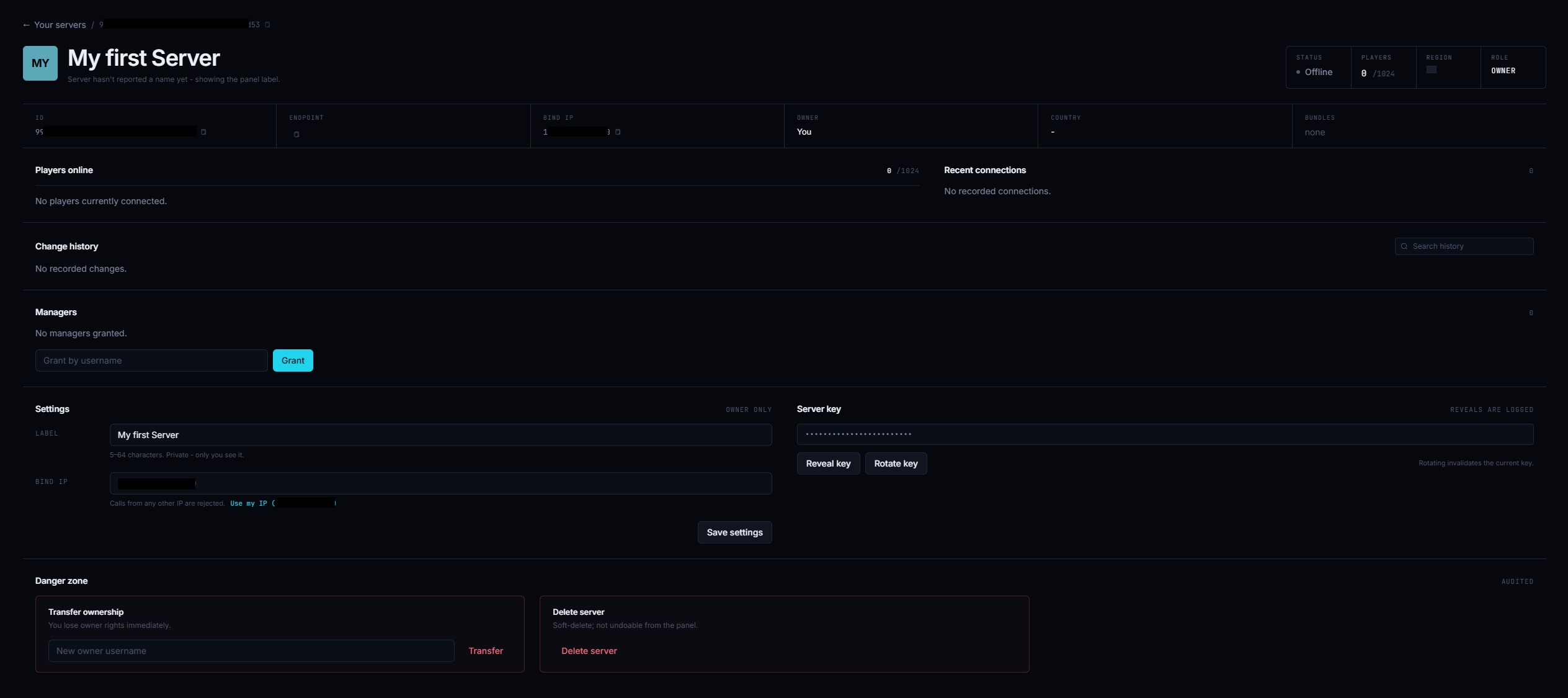
4. Your new server panel entry will be unpopulated at first
After creating the server, your management panel will show you an unpopulated server until you first launch a game server with the newly created key. You can already adjust settings like assigning managers to your server or rotating your key.
5. After your first launch, the panel entry is populated
If everything was setup correctly and your game server launches, the panel entry will populate.
You can now see connected players, recent connections and runtime data configured via ConVars in the server.cfg
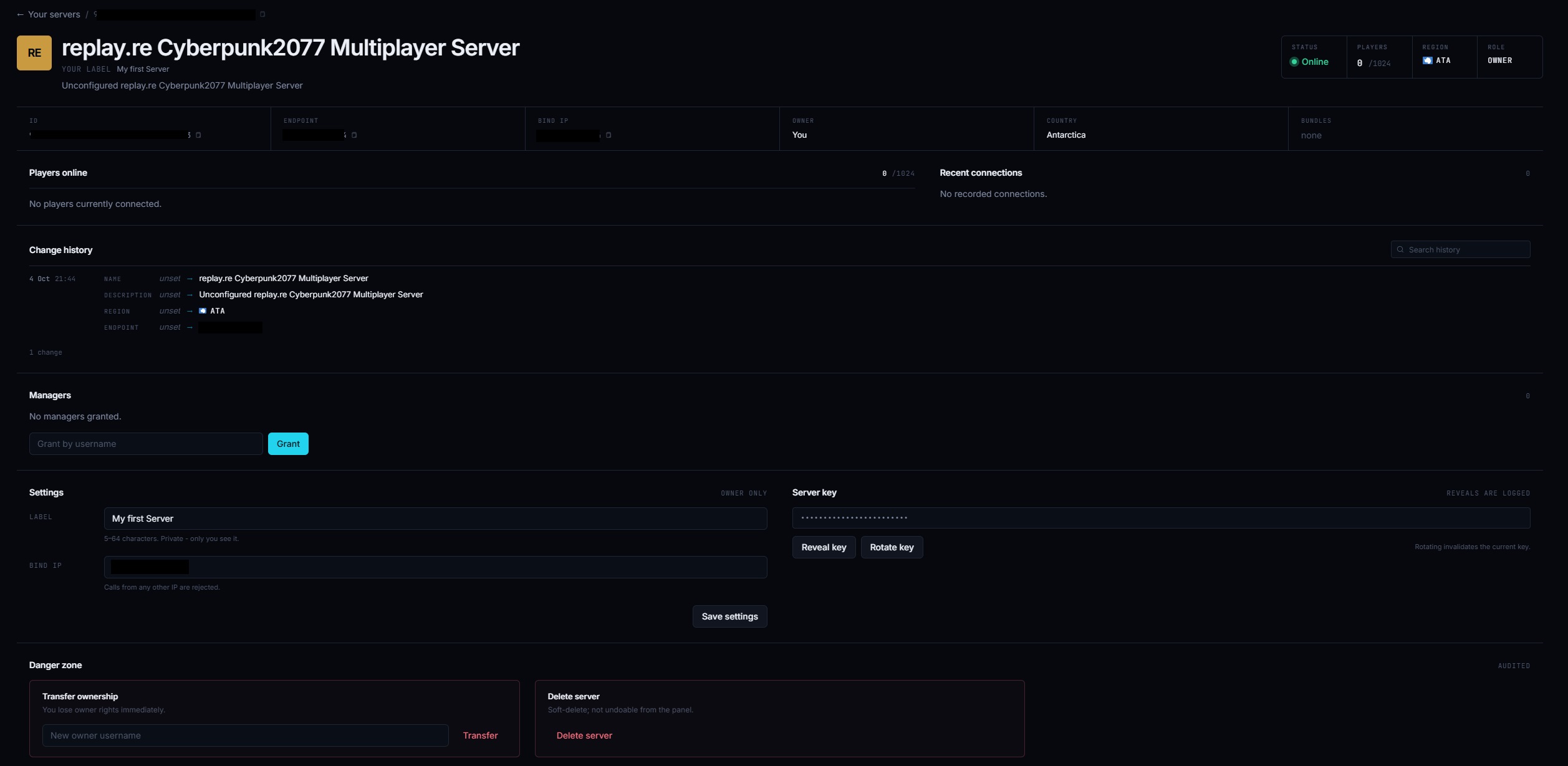
6. Success
Your server is now live and other people can see it in the server browser. Congratulations and welcome to replay! You may now want to head to Example Bundles to get some content on your server