Connecting to Servers
After launching the client you arrive at the main menu:
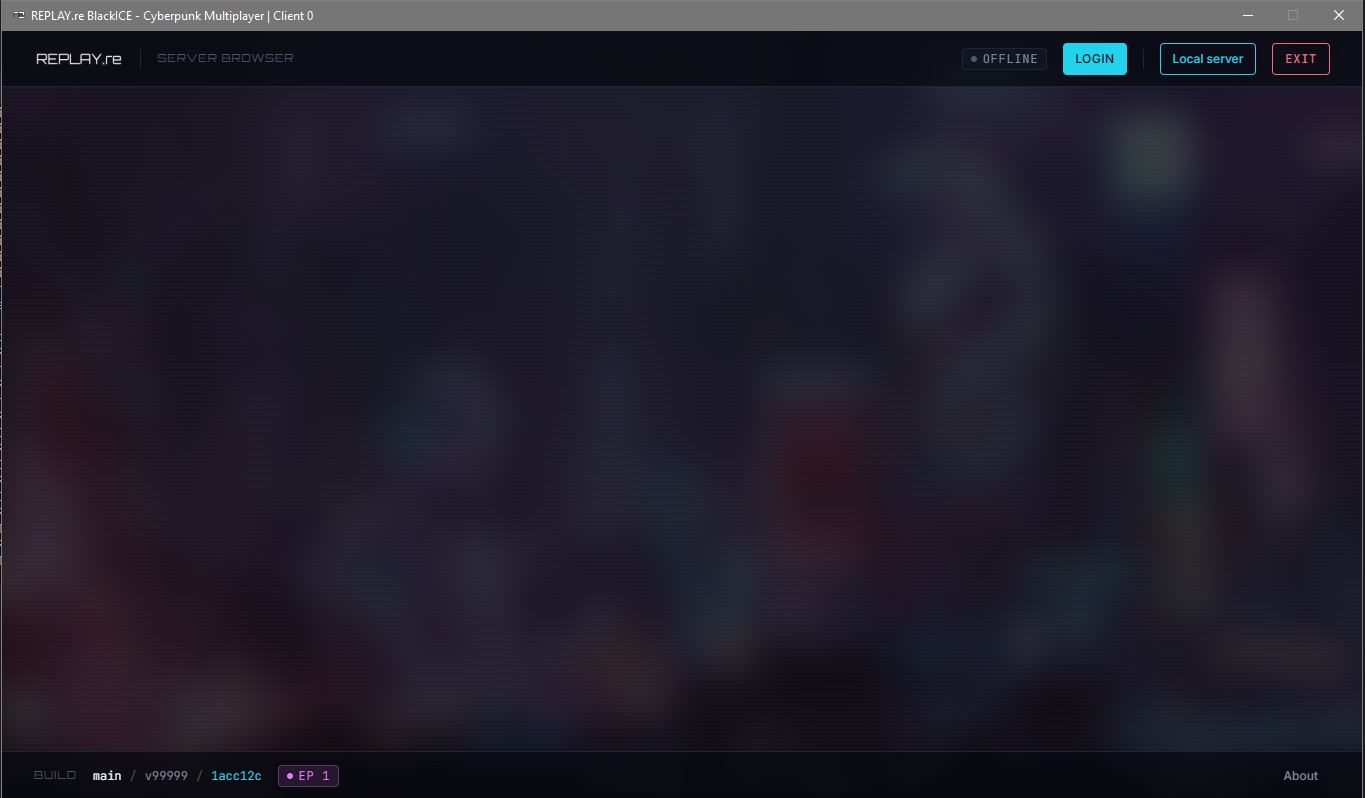
From here you can either connect to a local server directly or log in to browse the global server list.
Connecting to a local server
Use the Connect to Local Server button in the top right to join a server running on your network or machine, for example one you host yourself following the Server Quick Start.
Joining via the server list
Select Login to authenticate and open the server browser:
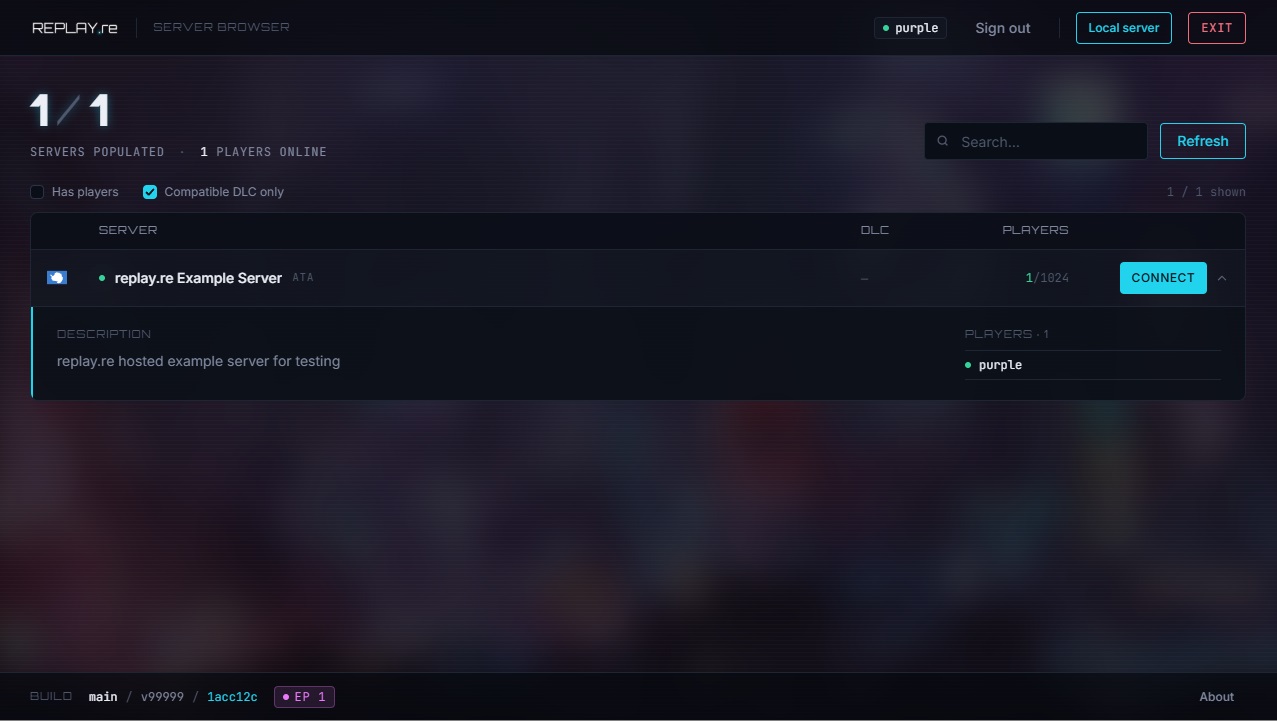
- Use the search field and the Has Players filter to narrow the list.
- The Compatible DLC Only filter hides servers requiring DLC you don't own.
- Each entry shows the current player count and the required DLC episode; hit Connect to join.
Once connected, everything else happens automatically. Game content shipped as UGC bundles is streamed to your client in the background, so there is nothing you need to install or configure yourself.
The console
The in-game console (opened with F8) is an important tool worth knowing about. It shows log output, lets you run commands, and is also how you exit the game cleanly. See The Console for details.